Professional PC dust cleaning in Kharkiv. Diagnostics, transparent price from 500 UAH, warranty up to 6 months. Repair service in Kharkiv.
PC dust cleaning in Kharkiv
PC dust cleaning in Kharkiv is useful when a device blocks work, study or daily communication. At My Master we start with diagnostics, explain the fault clearly and agree the repair price before work begins.
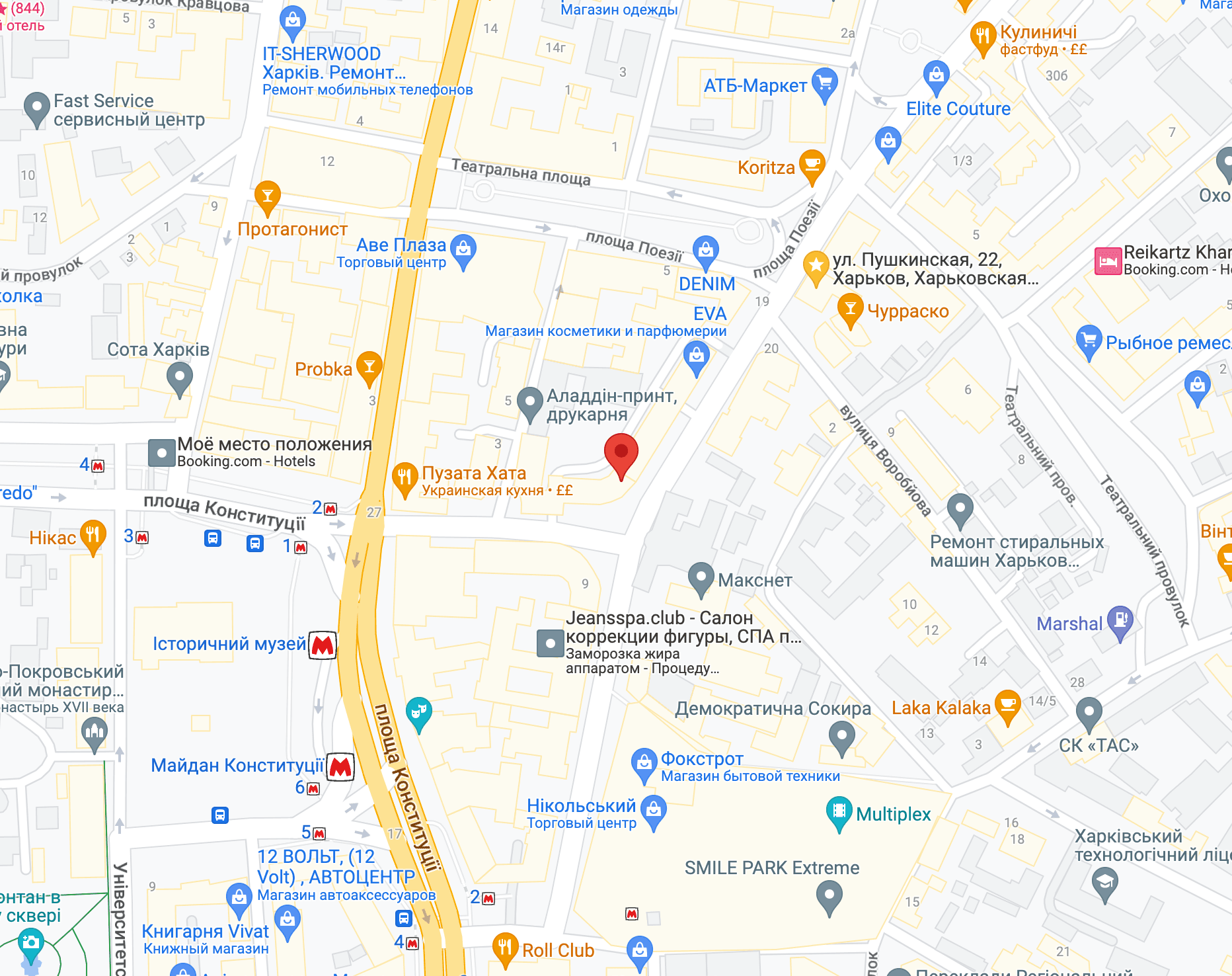
We work in Kharkiv at 11/13 Hryhoriya Skovorody St. and repair laptops, PCs, smartphones and other electronics. Related pages: PC repair in Kharkiv and PC upgrade in Kharkiv.
Why desktop overheating is uneven
In a desktop, overheating is rarely uniform: a graphics card can sit at 85°C while the CPU holds 60°C. The technician takes per-component temperatures under load, checks airflow direction through the case and the condition of each fan. It often turns out the fans are mounted as intake and exhaust at random, and cleaning without reorganising airflow only helps temporarily.
When a desktop needs cleaning
- system unit is noisy
- CPU or GPU overheats
- PC shuts down under load
What the cleaning covers
- per-component temperature readings under load;
- cleaning the CPU, GPU and power supply heatsinks;
- replacing CPU thermal paste, and GPU paste where needed;
- checking and correcting case airflow direction;
- verifying fan speeds after reassembly
Service pricing
Base estimate: from 500 UAH, typical time — 1-2 hours. Final cost depends on model and parts.
| Service | Price | Duration |
|---|---|---|
| Fault diagnostics* | Free | from 1 hour** |
| Dust cleaning | from 400 UAH | from 1 hour** |
| Thermal paste replacement | from 500 UAH | from 30 min** |
| Windows installation | from 800 UAH | from 1-2 hours** |
| SSD installation | from 325 UAH | from 30 min** |
| PSU replacement | from 500 UAH | from 1 hour** |
| RAM upgrade | from 500 UAH | from 30 min** |
| Graphics card replacement | from 500 UAH | from 30 min** |
* — Diagnostics is free when ordering repair. If you decline the repair, diagnostics cost starts from 500 UAH depending on complexity.
** — Duration depends on current workload and technician availability.
What not to attempt yourself
Do not vacuum inside the case: static from the plastic nozzle can damage the board. And do not lift the cooler off the CPU unless you have fresh thermal paste — refitting it onto old paste conducts heat worse than before.
If the computer shuts down under load, do not keep restarting it. That is thermal protection engaging, and each cycle stresses the power components.
Related Services
Frequently Asked Questions
How much does pc dust cleaning cost in Kharkiv?
The estimated price starts from 500 UAH. The final quote depends on the model, condition and parts.
How long does it take?
Usually 1-2 hours. If rare parts are needed, we agree the timeline before repair.
Is there a warranty?
Yes, we provide warranty up to 6 months depending on the repair type.
Can I get advice first?
Yes, describe the symptoms by phone or messenger and we will suggest the likely cause and price range.
Do you repair devices after failed repairs?
Yes, we accept devices after previous repairs, starting with full diagnostics.
Does thermal paste need replacing at every cleaning?
On the CPU, yes, if the cooler was removed. On the graphics card we go by temperatures — if they are normal, there is no reason to open it.
The computer got noisy — is that definitely dust?
Usually, but a worn fan bearing sounds similar. You can hear it as a low-speed drone; cleaning will not save that fan, it needs replacing.